Troubleshooting: Nav card is adding a lot of empty space under itself
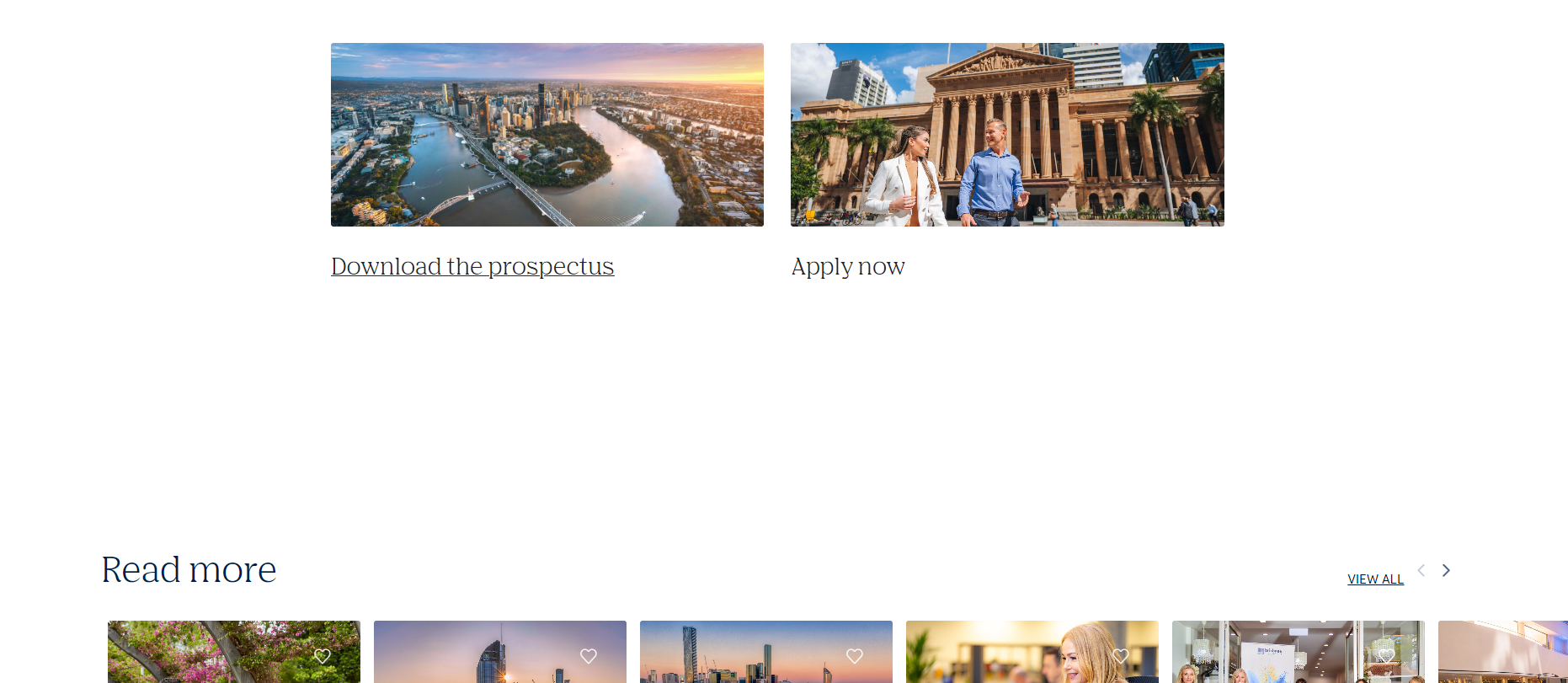
A lot of space under the Nav card can be seen. This usually happens when the link that the Nav card is pointing to doesnt have any summary to display. This can be fixed with 2 settings.
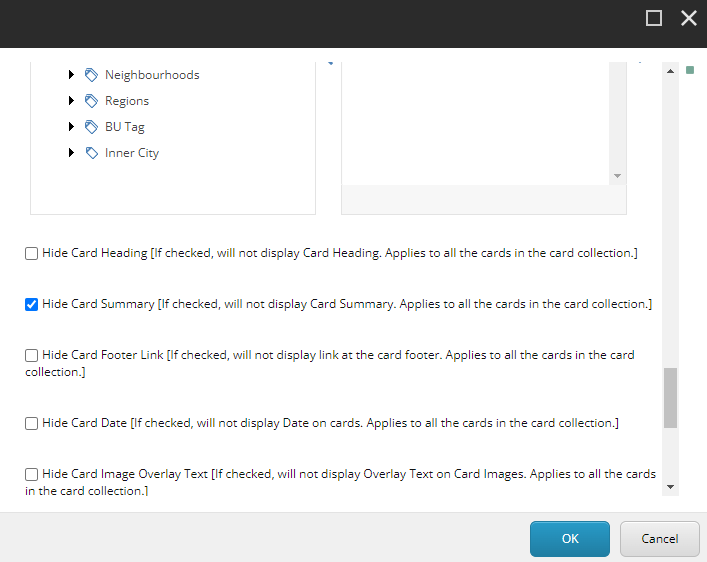
Step 1: Hide Card Summary
Hide Card Summary Checkbox (This will hide the card summary when checked)

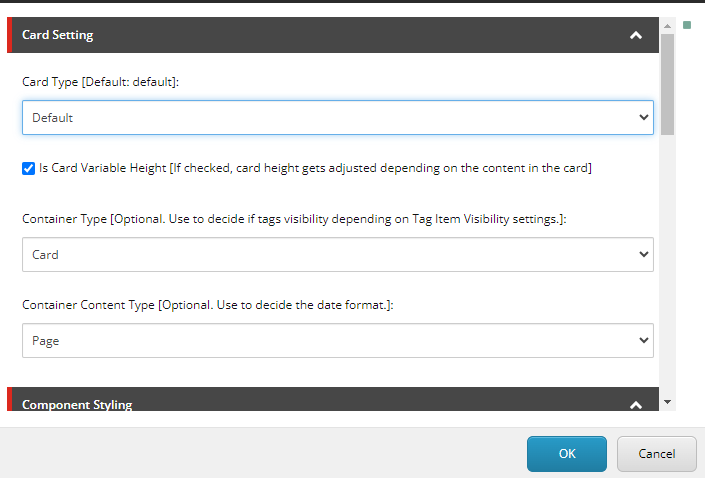
Step 2: Make Card Variable Height
Is card Variable height (If checked, card height gets adjusted depending on the content of the card)
Last update:
October 19, 2023